> ## Documentation Index
> Fetch the complete documentation index at: https://runway-5055a12e-mintlify-formula-column-documentation-75200.mintlify.site/llms.txt
> Use this file to discover all available pages before exploring further.
# Rename, export & delete
> As you work with models in Runway, you may need to rename, export, or delete them to keep your data organized and up to date.
## Renaming a mode
There are a couple of ways to rename a database:
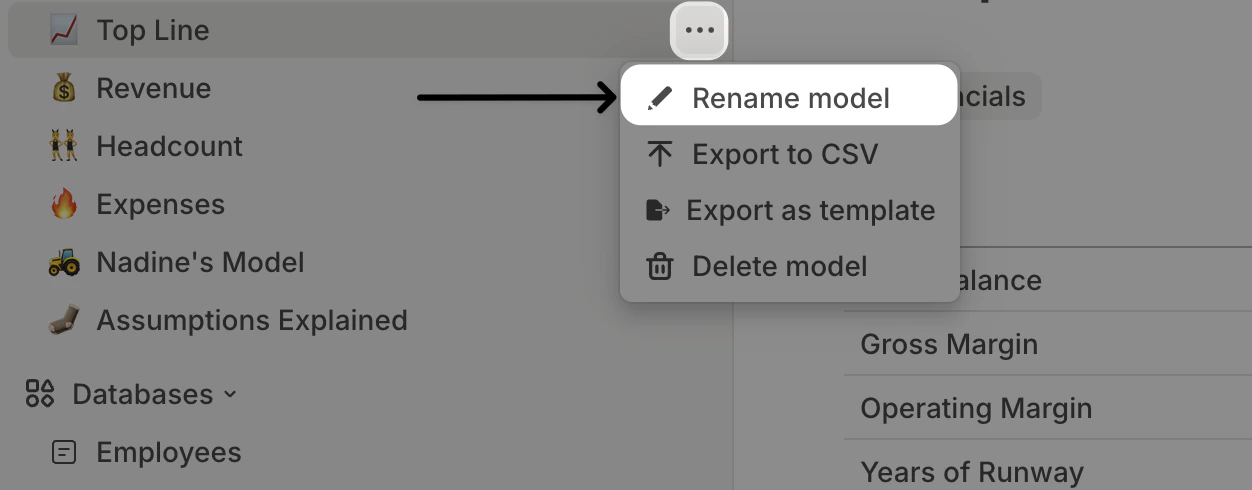
**From the sidebar** – Click the icon next to the model name, then select **Rename.** You can modify the name and click the icon to change it.
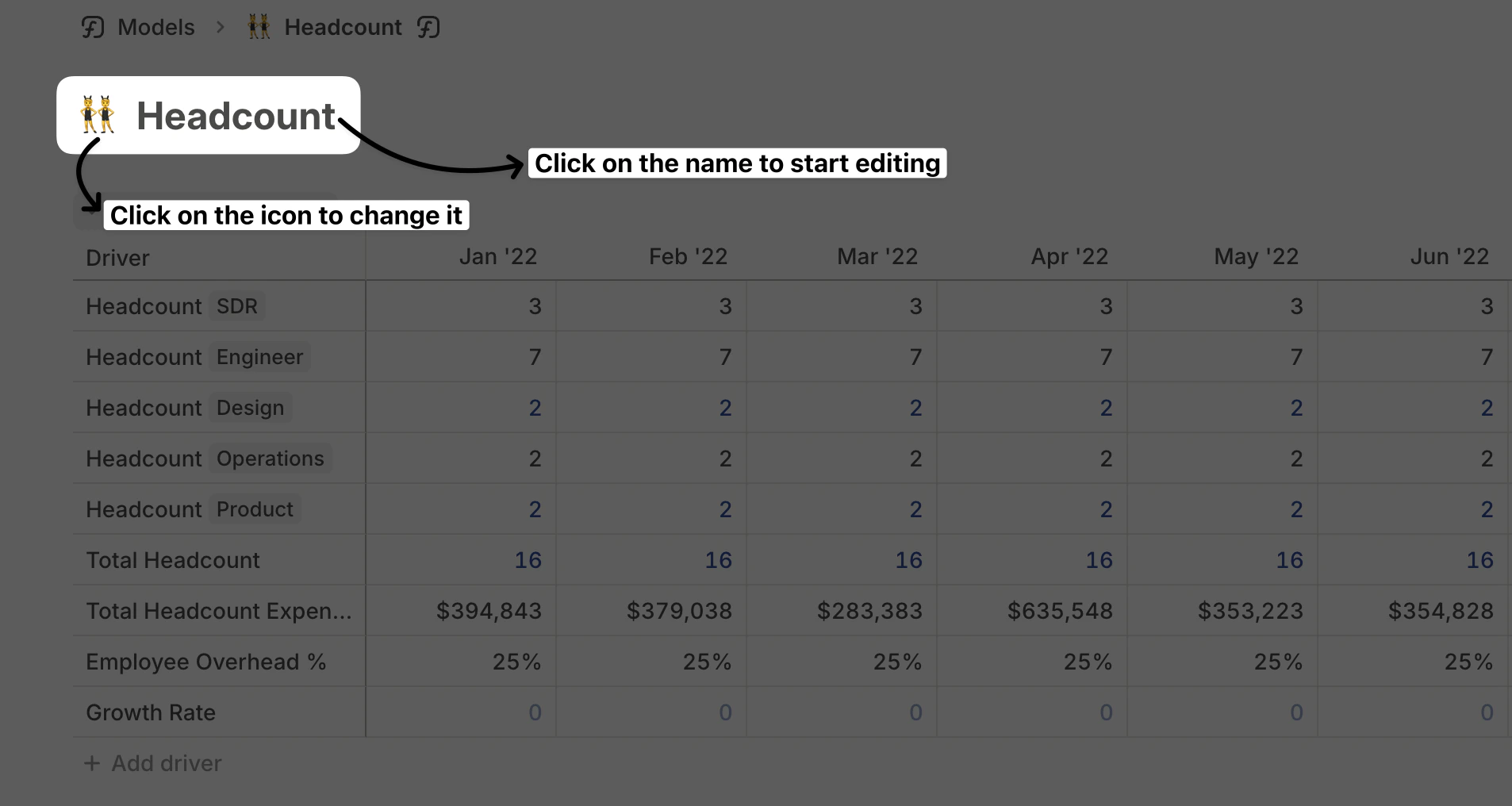
 **From the model page** – Navigate to the database, then click on its name at the top to edit it. You can also click the icon to change it.
 ## Exporting a model
To export a model, click the icon next to its name in the sidebar, then select **Export to CSV.**
## Exporting a model
To export a model, click the icon next to its name in the sidebar, then select **Export to CSV.**
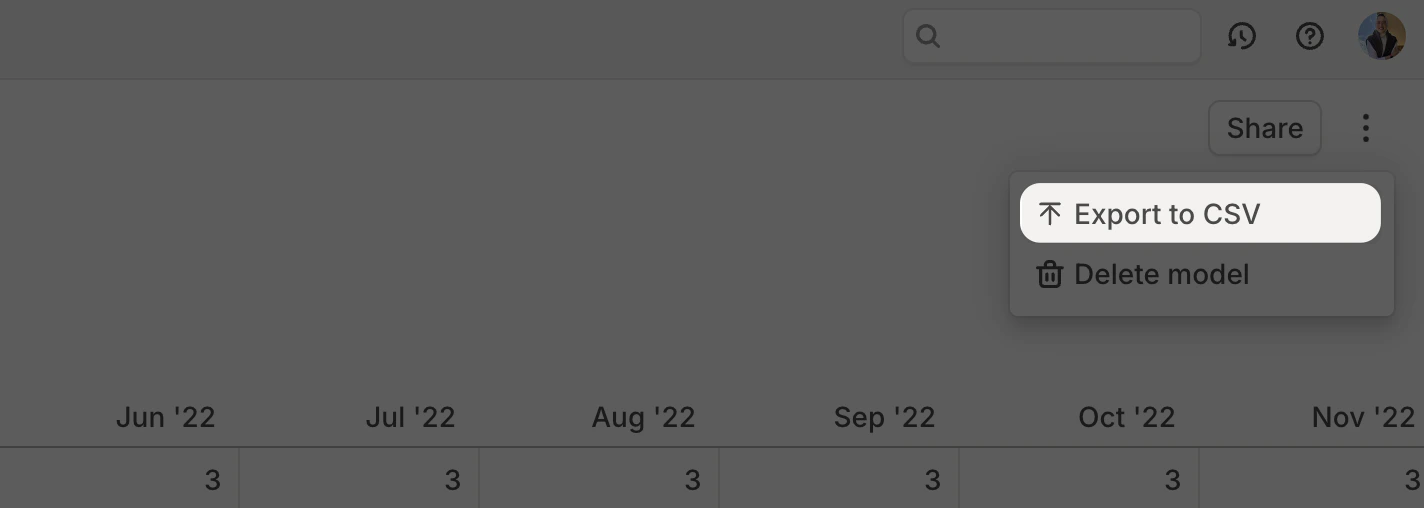
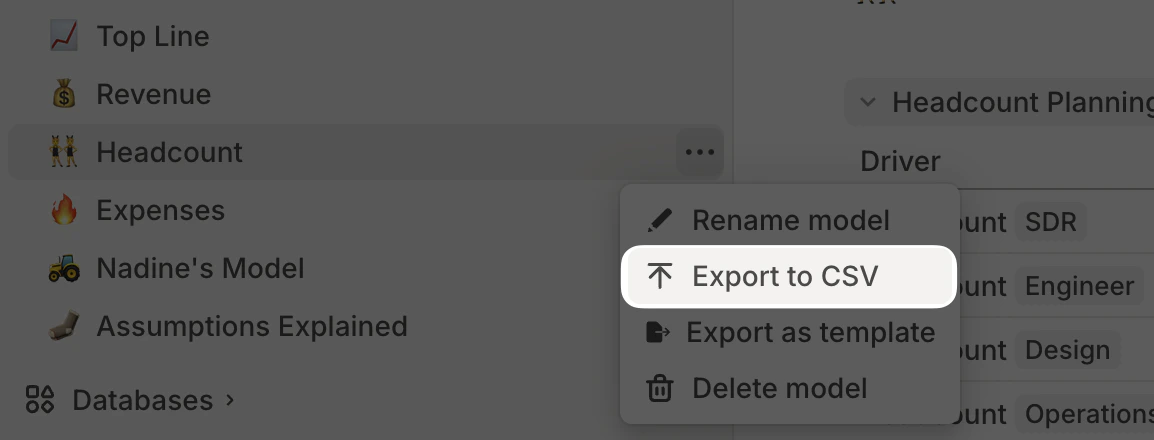 Alternatively, navigate to the model, click the More icon in the top-right, and select Export to CSV.
 ## Deleting a model
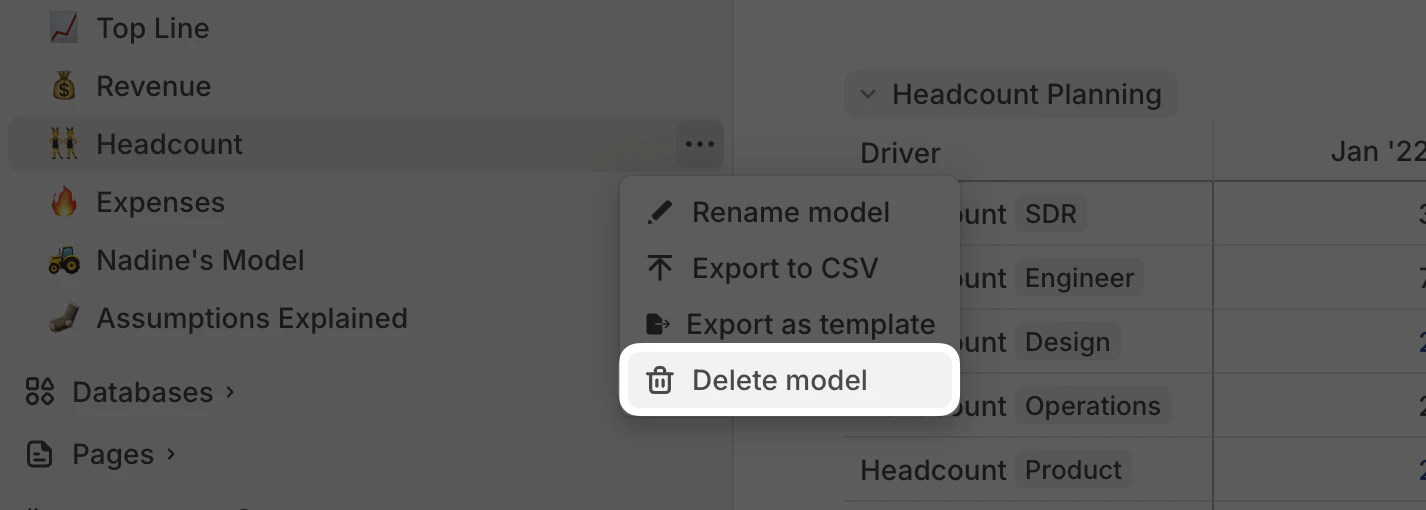
To delete a model, click the icon next to its name in the sidebar or the **More** icon in the top-right corner of the database, then select **Delete model.**
## Deleting a model
To delete a model, click the icon next to its name in the sidebar or the **More** icon in the top-right corner of the database, then select **Delete model.**
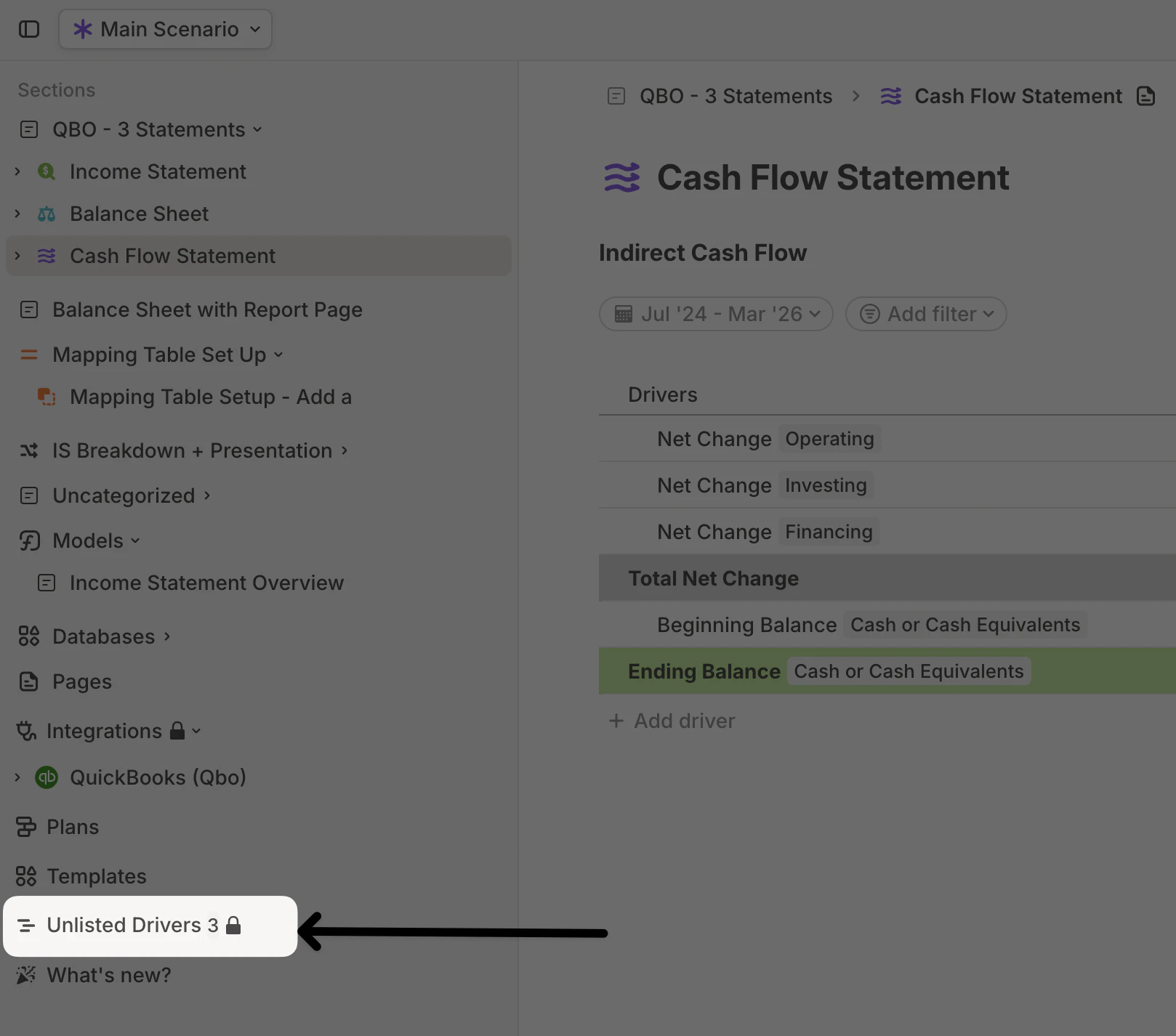
 Deleting a model from the sidebar does \*\*not \*\*delete the drivers within it. Any drivers that were only present in that model will remain in your workspace and can be found in the \*\*Unlisted Drivers \*\*page. If those drivers are referenced in other formulas, they’ll continue to work as expected—**formulas won’t break.**